AI can do a lot more than write your emails.
It can fill in your spreadsheets, follow up with clients and send you a report every Monday. It can also be a full app your clients carry in their pocket. I build both for small teams, then teach them to run it.
What eats your week? Pick one and watch.
- A new client fills out your sign-up form.Name Maya R.
Goal Get back to running after an injury
Best time Tuesday evenings - Their details land in your client sheet.ClientGoalStatusJordan T.Pre-season prepActiveMaya R.Return to runningNew
- A welcome email is written for you to check.To Maya R.
Hi Maya, thanks for reaching out. I can't wait to help you get back on the road. Here's what to expect before our first session.
Approve and send - The first session is booked and a reminder is set.Tue 6:00 pm First sessionReminder the day before
You checked one email. Everything else was already done.
- It notices three people haven't replied in a week.Priya S.Dan K.The Moreno family
- It writes a personal follow-up for each one.To Dan K.
Hi Dan, just checking in after our call last week. Still thinking about Thursday mornings? I have one spot open. - You approve all three in one go.3 approvedSend all
- Each one is sent and logged in your sheet.Follow-up sentNext check-in: Monday
Nobody slips through the cracks, and you didn't write a single follow-up.
- It gathers last week's bookings, payments and no-shows.CalendarPaymentsClient sheet
- It writes a short summary in plain English.Last week: 34 sessions, up from 29. Two no-shows, both on Friday afternoon. Saturday mornings are full for the next three weeks.
- It flags what needs you.2 unpaid invoices1 client to check in with
- The report is waiting in your inbox.Inbox Your Monday report
Your week starts with answers, not spreadsheets.
- A client texts to move Thursday's session.
Hi! Any chance we can move Thursday? Something came up.
- It checks your calendar for open times.Thu 4:00 pm busyFri 3:30 pm openSat 9:00 am open
- It offers two times, in your voice.
No problem! I can do Friday at 3:30 or Saturday at 9. Which works?
- They pick one. Your calendar and sheet update.Sat 9:00 am RescheduledSheet updated
Handled while you were with another client.
- An athlete checks in on their phone.Knee today A little sore, 3 out of 10
Sleep 7 hours
Mood Nervous about practice - Today's plan adjusts to how they feel.Step-downs 2 sets instead of 3Bike Easy, 10 minutes
- They ask the app a question, and it knows when to step back.
My calf feels tight and warm. Is that normal?
That one needs a doctor today, not an app. Here's who to call, and I've let your coach know.
- Their coach sees who needs attention first.Needs you 1 athleteNext phase approved in one tap
One app, with the athlete, the coach and the doctor each in the loop when it matters.
Tap another task to watch it run. These are examples of what I build, with made-up names and numbers. The first four run inside tools you already use. The last is a full app built around one business. Either way, you approve anything that goes out.
How far it goes
Most people start with one small system. Some go all the way to an app. Here's the range, with something real I've built at each step.
- Automate a taskA form, a sheet and an email that run themselves.Feedback from more than 20 regional groups, checked for consent and sent to the right people every 10 minutes.From $750
- Connect your toolsYour website, booking, payments and inbox working together.A local business moved to a new website, booking and payment system, with every old link redirected and nothing lost on launch day.From $1,500
- A custom appBuilt around how your team actually works.A staff time clock and timesheet app that replaced a monthly payroll subscription, with weekly reports and a payroll export.From $3,500
- A full productAn app people install on their phone, with accounts, payments and AI built in.A native iPhone wellness app with AI conversations, and an athlete recovery app with coach alerts and safety checks.Quoted after a call
Ways I can help
Save time with a simple system
I find the manual work eating your week and build something to handle it, inside apps you already use.
Projects from $750. Starts with a $400 look at where your hours go, credited toward the build.
Custom apps
An app built around how your business works, like a client portal, a team dashboard, or a phone app your clients use every day.
From $3,500. Bigger apps are quoted after a call. Optional support from $150 a month.
AI training for your team
Hands-on workshops where people can try AI without pressure, plus simple guidelines for using it safely.
2-hour workshops from $750
Learn to use AI yourself
One-on-one sessions to go from curious to confident, using your own real work.
1:1 sessions, $110 an hour, or 3 for $300
How it works
- Free 20-minute callTell me what's slowing your team down.
- One small projectWe pick one problem with a clear payoff, like hours saved.
- Build, test, hand offYou get a working system and plain instructions.
Things I've built
Names are left out. Some were for clients, some were for families, and one is my own.
A recovery app for athletes
Athletes check in each day and get a plan that adjusts to how they feel. Coaches see who needs them first. A built-in assistant answers questions and sends anything worrying straight to "call your doctor." It has parent consent for teens, payments, and an automated test for every safety rule. Being built now.
A wellness companion app for iPhone
My own app, built natively for iPhone. You check in as one of five energy states and the whole app changes what it offers, down to a "just rest" option and a no-typing path on hard days. It has AI character conversations, a voice brain dump that turns into small steps, and crisis help one tap away. Teens get stronger safeguards by default, and every AI prompt goes through a clinician's review before anyone outside testing uses it. In private testing now.
A return-to-training app after a serious illness
Built for someone in my family coming back from a long illness. Guided breathing, pool, stretching, strength and walking sessions, each with an effort cap and clear stop signs, plus a 15-second log after every session to share with their doctor.
A distraction app for a preteen in intensive care
A family needed something creative to fill long hospital days, and the parents wanted learning built in. I made it on the fly: ten interactive sections that open on a phone with nothing to install, with the learning folded into the play.
A new website and back office for a local business
A new website, online booking, packages and payments, launched without losing a single old link. Then a staff time clock and timesheet app so the owner never has to open a spreadsheet.
One place for scattered information
A simple app that pulls spreadsheets and systems together, now covering thousands of profiles.
Routine emails, scheduling and surveys
A set of automations that handles them, saving hundreds of hours a year.
Monthly planning, done for you
For a network of independent professionals, a tool builds monthly plans from their custom CRM and posts updates automatically.
A team nervous to try AI
An anonymous weekly check-in and a step-by-step guide helped a whole team get started at their own pace.
Why work with me
I start with people
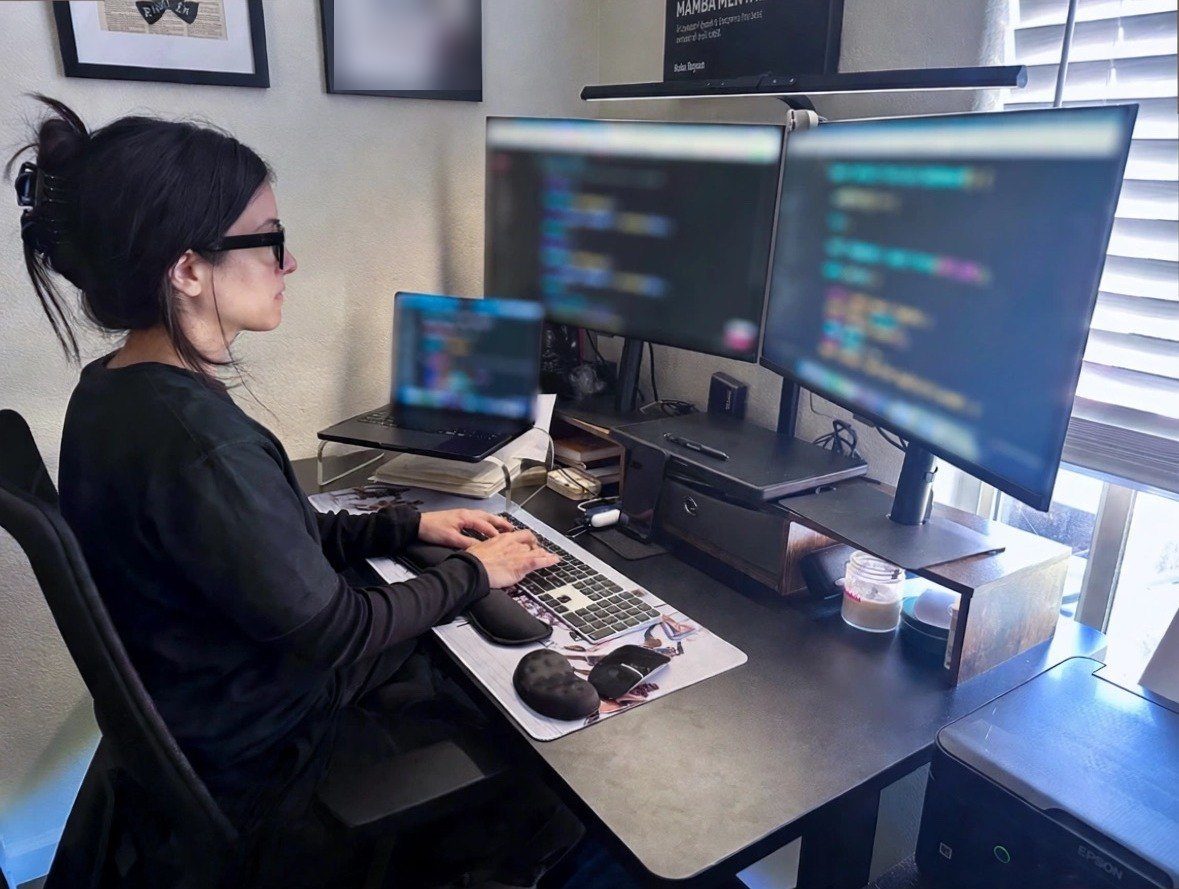
I'm a National Board Certified Health & Wellness Coach. A new tool only helps if people feel confident using it, so that's where I start.
I build what I recommend
I came from operations and taught myself to build, from spreadsheet automations to full phone apps. Teams at a large tech company use the tools I've built every week.
I check the work
Before you rely on a system, I test it against real examples. In apps that touch health or teens, every safety rule gets its own automated test, and the app never says a message was sent unless it really was.
You stay in control
Everything lives in your own accounts, comes with plain instructions, and keeps working without me.
Who I work with
- Coaching and wellness businesses
- Gyms, clinics and youth sports programs
- Local businesses that run on spreadsheets and email
- People who want to learn to use AI themselves
I build with tools you may already use, like Google Workspace, Slack and Claude, and I build web and iPhone apps when you need more. I also work in Spanish.
Common questions
Why does a health coach do AI work?
Getting people to use a new tool is about habits and confidence, which is exactly what I'm trained in. I also love building. The two kinds of work stay completely separate.
Can't I just do this myself with Gemini or ChatGPT?
Sometimes, yes, and I'll tell you if that's the case. Most teams get stuck on knowing what to automate, connecting their tools, and getting everyone to actually use it. That's the part I do. I often build with the AI you already pay for.
How big can a project get?
Anywhere from one automation to a full phone app with accounts, payments and AI. Most people start small, see it work, then add the next piece.
Do I need to be technical?
No. I explain everything in plain language, and you won't need to learn any code.
Is AI going to replace my staff?
That's not my goal. I build systems that take tedious tasks off people's plates, so they have more time for the work that needs a person.
What happens to our information?
It stays in your accounts. I'll help you set simple rules for what should and shouldn't go into AI tools.